
In this edition of the 🧭Microsoft 365 Compass🧭 newsletter, we’re taking a first look at one of the newest capabilities available in Microsoft 365 Copilot — the App Builder Agent. This feature allows you to create lightweight, interactive applications simply by describing what you need in natural language. It’s designed for rapid prototyping, quick data-gathering tools, and simple workflows — all without writing code.
If you’ve ever wished you could spin up a form, a tracker, a data visualization, or a small internal utility without opening Power Apps or writing a line of JavaScript, this agent makes it possible in minutes. Just open Copilot, describe your app, and App Builder automatically generates the data schema, the interface, and the working prototype.
Before getting started, keep in mind that App Builder is currently available to organizations participating in the Frontier program, and you’ll need an active Microsoft 365 Copilot license to install it from the Agent Store. If your admin has enabled access, you’ll see App Builder appear under Agents in the Copilot navigation.
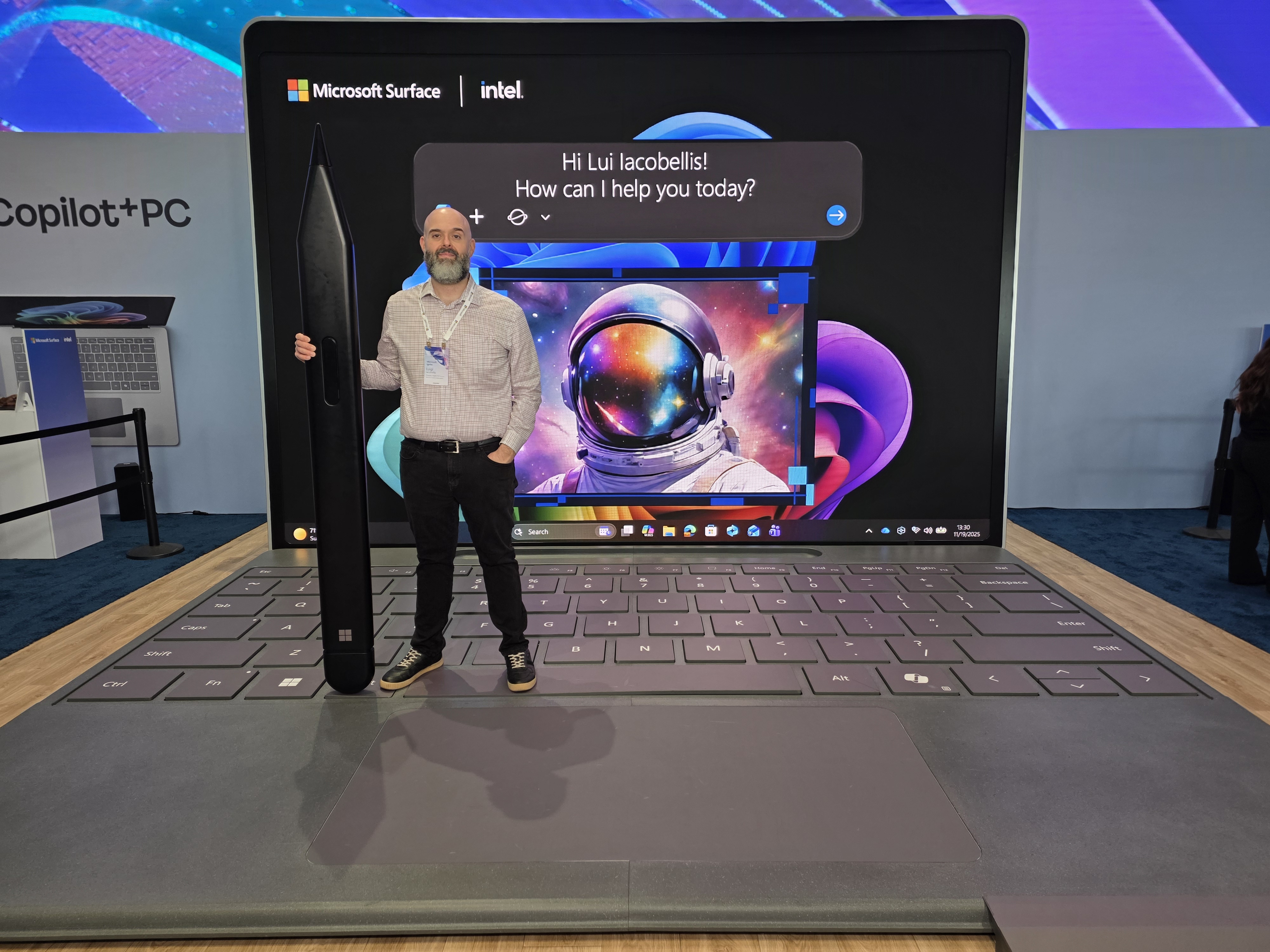
P.S. Sharing This Early — I’m Live at Microsoft Ignite
I’m sending this edition mid-week rather than during the usual weekend slot because I’m currently at Microsoft Ignite — and there is a lot happening. I’m working hard to prepare a few ad-hoc editions that I’ll publish as soon as possible, showcasing some of the biggest new features coming to Microsoft 365 and Copilot. Stay tuned — there’s much more to come!
What Is the App Builder Agent?
App Builder is an AI-powered Copilot agent that lets you build and refine apps directly in Microsoft 365. Once launched, you simply describe the app you want — for example:
-
“Create a simple sign-up sheet for product demos”
-
“Build a tracker to log customer feedback”
-
“Generate a dashboard to visualize my project tasks”
From that description, App Builder will:
-
Generate the underlying data structure (like tables or fields)
-
Create an interactive interface
-
Allow you to iterate in real time with conversational prompts
-
Produce a shareable link so others can use your app immediately
It’s a fast, intuitive way to experiment and build simple tools that support your daily work.
See Microsoft 365 Copilot App Builder Agent in Action
Instead of including GIFs in this edition, I’ve published a YouTube video that walks through:
-
How the App Builder Agent works
-
How to create an app in minutes
-
What the experience looks like end-to-end
Check it out below!
|
Limitations to Keep in Mind
Since App Builder is still evolving, there are a few important limitations:
-
You can’t view or edit the underlying code
-
App names are fixed after creation
-
External APIs aren’t supported
-
Images aren’t used during app generation
-
Data is stored in dedicated SharePoint sites you must manage separately
Despite these constraints, it offers a surprisingly capable starting point for building lightweight apps without relying on traditional development tools.
💬 Your Turn
I’d love to hear what you think about this new capability. App Builder opens up a whole new way to create lightweight tools directly inside Copilot, and I’m curious how you see it fitting into your own workflows. Whether you're thinking about trackers, prototypes, or simple utilities for your team, your ideas help shape what I cover next.
👉 Have you tried the new App Builder Agent yet?
👉 What types of lightweight apps or prototypes would you want Copilot to generate for you?
👉 Would you like me to create a step-by-step mini-series showing different use cases for App Builder?
Just hit Reply — I read every message!
Enjoyed This Content?
If you found this content helpful, consider showing your support by Buying Me a Coffee. Your generosity helps cover the costs of the tools and services I use to create valuable content and keep it coming your way. Thank you for your support!
Got Questions or Ideas? Let's Connect!
Are you facing a challenge with a Microsoft 365 app? Have a tutorial idea you'd like to see covered? Or perhaps you're looking for personalized coaching and guidance to make the most of Microsoft 365? If so, just hit the reply button and get in touch—I’d love to hear from you! Your feedback and ideas help shape the content I create, ensuring it’s tailored to your needs. Let's work together to boost your productivity and tech skills!
Looking for a Previous Tip? 🔎
Did you know? You can quickly find all past editions of the 🧭Microsoft 365 Compass🧭 newsletter in one place! Just visit this section on my website — no need to dig through your inbox. Catch up on tips, tricks, and tutorials anytime! 🚀


Responses