
In this edition of the 🧭 Microsoft 365 Compass 🧭 newsletter, we're exploring Copilot Cowork Skills — what they are, how they work, and how you can use them to teach Cowork to handle your most repetitive tasks exactly the way you would.
If You're Not Using Copilot Cowork Yet, You Need To
Copilot Cowork is Microsoft's agentic AI experience built inside Microsoft 365 Copilot. Unlike regular Copilot, which answers questions and helps you draft things, Cowork actually executes tasks on your behalf. Search your entire Microsoft 365 environment, build a PowerPoint, schedule a meeting, send a calendar invite with the deck attached — all from a single plain-language prompt, without opening a single extra app.
Think of it like having a personal assistant who knows every tool in your Microsoft 365 environment and can work across all of them simultaneously. You describe what you need. Cowork figures out how to get it done. You come back to a finished result.
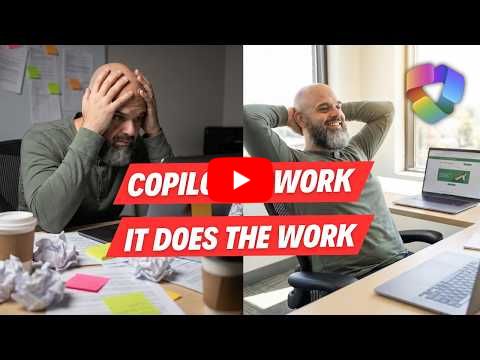
If you're not using it yet, now is the time to start. And if you're not sure where to begin, I put together a full beginner tutorial that walks through exactly what Cowork is, how to access it, and what it looks like when you give it a real task.
Watch the beginner tutorial below 👇
|
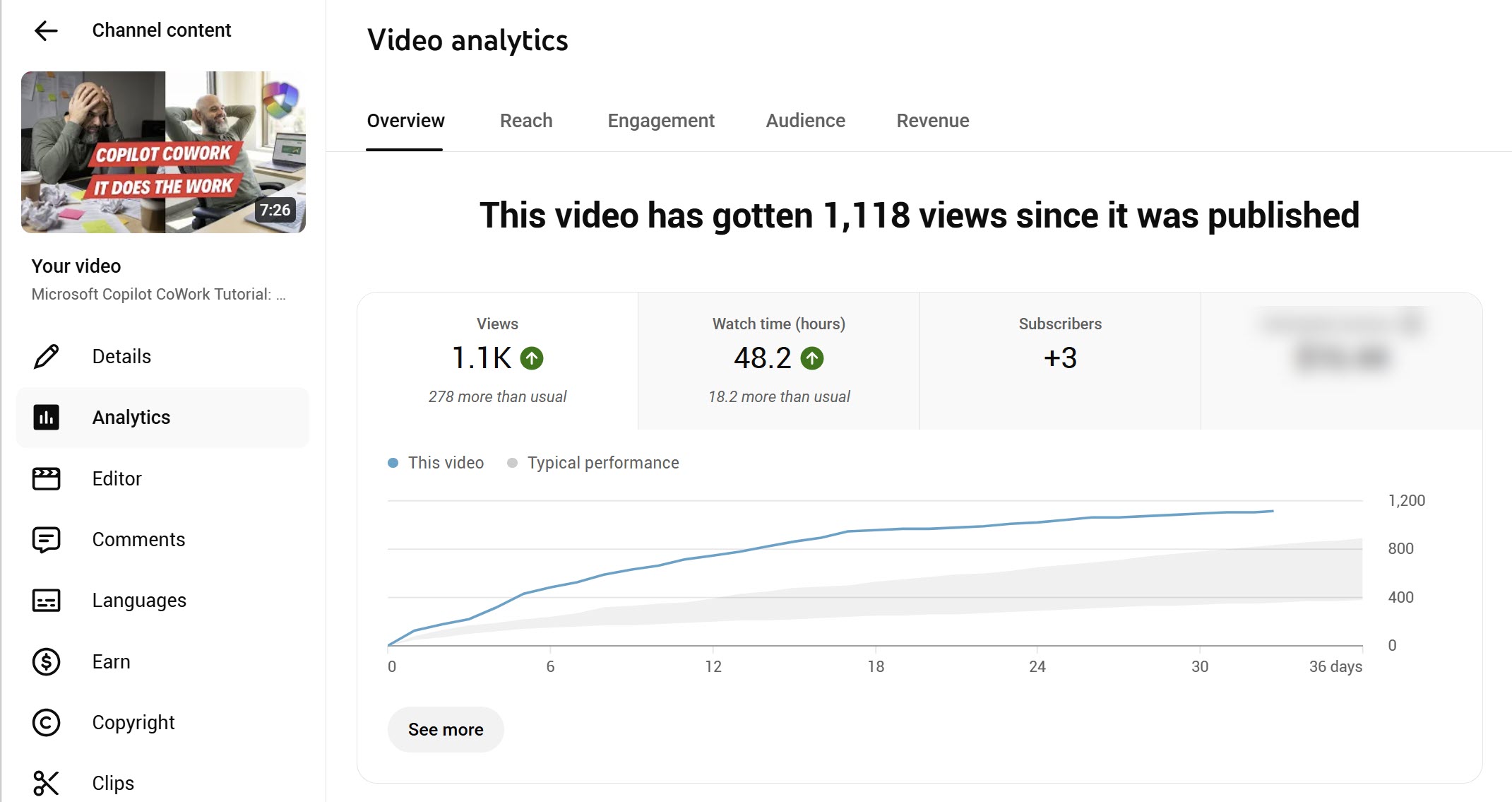
Since this video was published on May 11 2026 it has amassed over 1,100 views, 48 hours of watch time, and is outperforming my typical video performance by a significant margin. I'm not sharing this to brag about a YouTube number. I'm sharing it because Cowork is for real and people are taking notice. If this is the first you're hearing about it, you're still early.
Now Let's Talk About Copilot Cowork Skills
Cowork is powerful on its own. But Skills are what turn it from a capable tool into something that actually works the way you work.
A Skill is a specialized instruction set that tells Cowork exactly how to think, act, and respond for a specific task. When Cowork detects that a skill is needed, it loads it automatically. There are two types.
The first are out-of-the-box Skills — created and maintained by Microsoft and Anthropic. There are approximately 13 of them at the time of writing, covering things like Word, Excel, PowerPoint, email, scheduling, calendar management, meetings, deep research, and more. You don't need to configure anything. Cowork figures out which one to use based on what you're asking it to do.
The second type is where things get interesting.
Custom Skills are instruction sets that you write yourself, in plain language, teaching Cowork how to handle a specific task exactly the way you would. Your process. Your format. Your standards. Once a skill exists, all you do is upload your files, say the trigger phrase, and Cowork executes the same task the same way every single time.
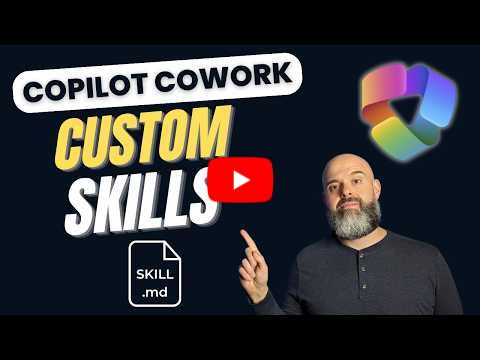
In my latest tutorial I walk through two live demos. The first builds a skill that reads a buyer scoping call transcript and produces a structured client one-pager automatically. The second builds a skill that reviews a stack of receipts in different formats and populates a completed expense report template. One prompt. Done.
Watch the Custom Skills tutorial here 👇
|
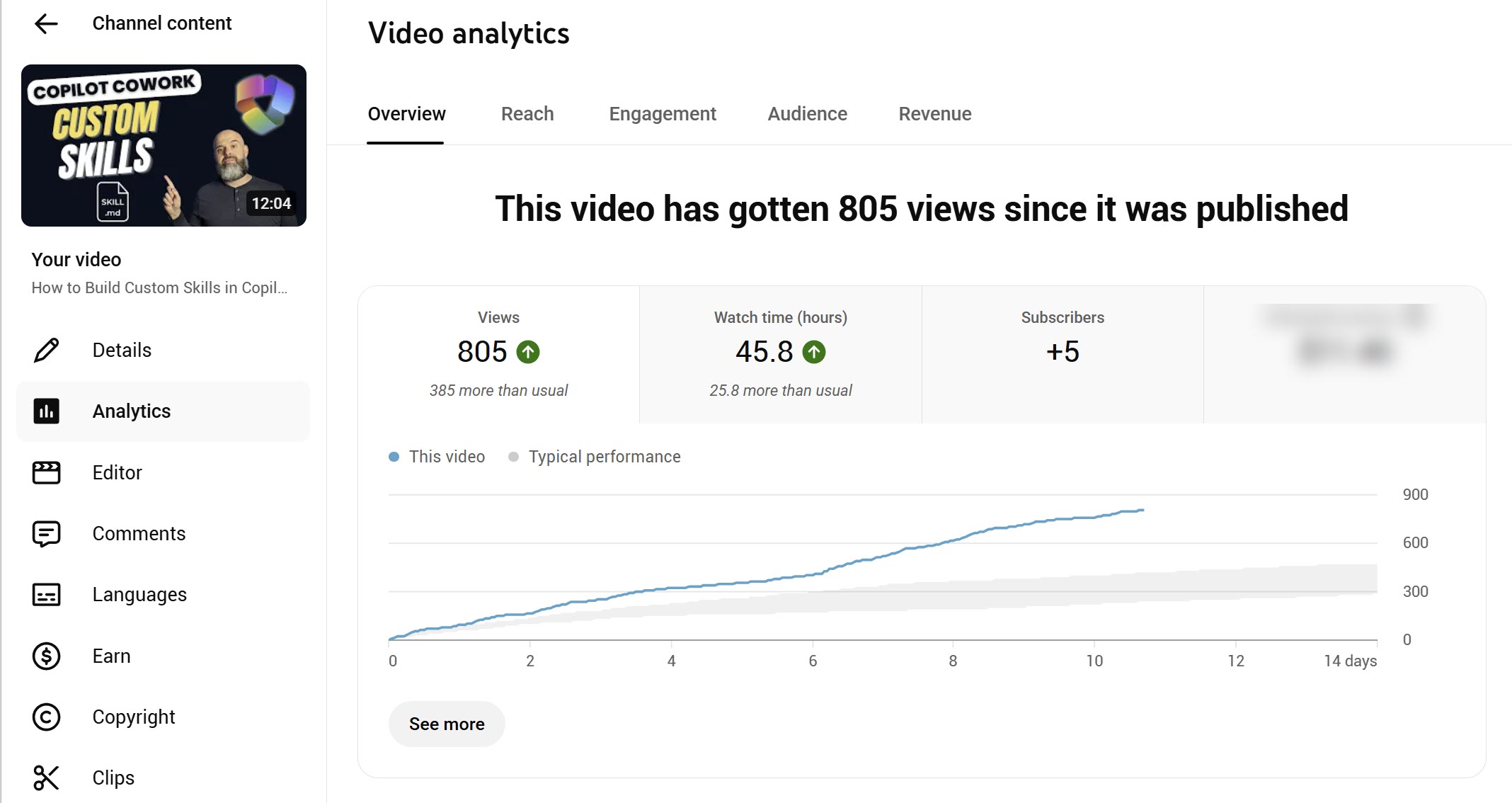
This one was published June 2 2026 and has already matched nearly the same watch time as the beginner tutorial — in half the time. That gap tells you everything. People aren't just curious about Cowork anymore. They're here for the Skills.
Want to Put It All Together?
If you want to go beyond the tutorials and really maximize what Cowork can do — understanding it from the ground up, mastering prompts, building your own Custom Skills, and knowing exactly when and how to use it — that's what the 7-part email course is for. Seven emails, one concept per day, nothing to log into, straight to your inbox.
The Copilot Cowork email course is available now 👇
Start Building with Cowork Today
Enjoyed This Content?
If you found this content helpful, consider showing your support by Buying Me a Coffee. Your generosity helps cover the costs of the tools and services I use to create valuable content and keep it coming your way. Thank you for your support!
Got Questions or Ideas? Let's Connect!
Are you facing a challenge with a Microsoft 365 app? Have a tutorial idea you'd like to see covered? Or perhaps you're looking for personalized coaching and guidance to make the most of Microsoft 365? If so, just hit the reply button and get in touch—I’d love to hear from you! Your feedback and ideas help shape the content I create, ensuring it’s tailored to your needs. Let's work together to boost your productivity and tech skills!
Looking for a Previous Tip? 🔎
Did you know? You can quickly find all past editions of the 🧭Microsoft 365 Compass🧭 newsletter in one place! Just visit this section on my website — no need to dig through your inbox. Catch up on tips, tricks, and tutorials anytime! 🚀


Responses